Fixing Docker Compose Connection Errors in CI/CD
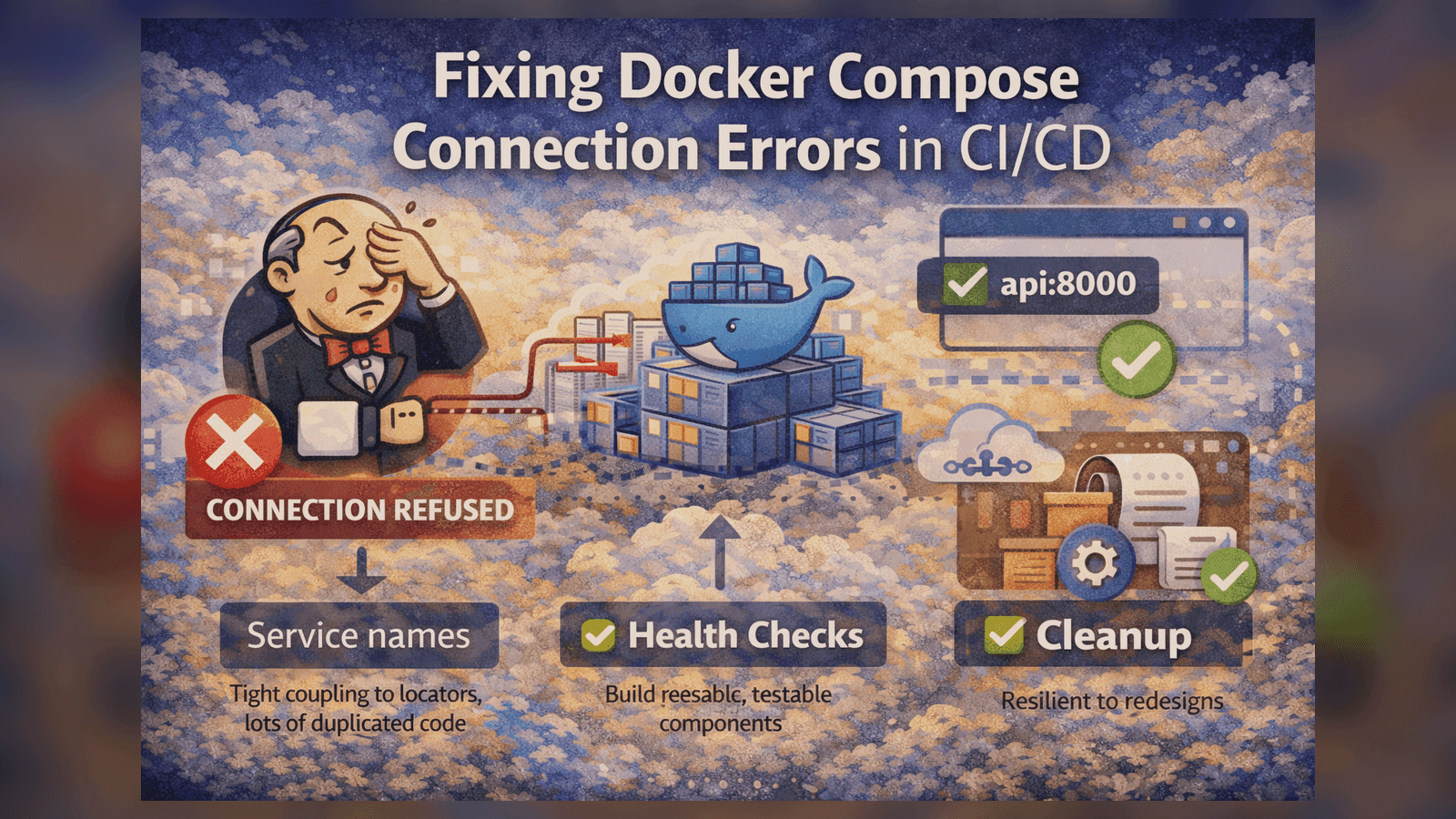
Spent 4 hours debugging 'Connection refused' errors in Jenkins. Here's what I learned about Docker networking in CI pipelines.
Fixing Docker Compose Connection Errors in CI/CD
Picture this: Your Docker Compose setup works perfectly on your local machine. You push to Jenkins, and suddenly: Connection refused. Sound familiar?
I spent 4 hours debugging this exact issue. Here's everything I learned so you don't have to.
The Problem
Our test suite uses Docker Compose to spin up dependencies:
version: '3.8'
services:
  api:
    build: .
    ports:
      - "8000:8000"
    depends_on:
      - db

  db:
    image: postgres:14
    environment:
      POSTGRES_PASSWORD: test
    ports:
      - "5432:5432"
On local machine: Tests pass ✅
In Jenkins: Connection refused on localhost:8000 ❌
Why It Fails in CI
The issue is networking context. When you run docker-compose up locally, services are accessible on localhost. But in CI:
- Jenkins runs in its own Docker container
- Your tests run in yet another container
- Services run in their own network
localhostmeans different things in each context
The Fix: Use Service Names
Instead of connecting to localhost:8000, connect to api:8000:
# ❌ WRONG - Works locally, fails in CI
API_URL = "http://localhost:8000"

# ✅ RIGHT - Works everywhere
API_URL = os.getenv("API_URL", "http://api:8000")
Docker Compose creates a network where services can reach each other by name.
Health Checks Are Mandatory
depends_on doesn't wait for services to be ready. It only waits for containers to start.
Add health checks:
services:
  api:
    build: .
    ports:
      - "8000:8000"
    depends_on:
      db:
        condition: service_healthy
    healthcheck:
      test: ["CMD", "curl", "-f", "http://localhost:8000/health"]
      interval: 5s
      timeout: 3s
      retries: 5

  db:
    image: postgres:14
    environment:
      POSTGRES_PASSWORD: test
    healthcheck:
      test: ["CMD-SHELL", "pg_isready -U postgres"]
      interval: 5s
      timeout: 3s
      retries: 5
Jenkins-Specific Issues
Issue 1: Port Conflicts
Jenkins might already have something on port 5432. Use random ports:
services:
  db:
    image: postgres:14
    ports:
      - "0:5432"  # Assigns random available port
Issue 2: Network Cleanup
Old networks from failed builds persist. Clean up before each run:
#!/bin/bash
# In Jenkinsfile or build script
docker-compose down --volumes --remove-orphans
docker network prune -f
docker-compose up -d
Issue 3: Container Permissions
Jenkins user might not have Docker permissions:
// Jenkinsfile
pipeline {
    agent {
        docker {
            image 'docker:latest'
            args '-v /var/run/docker.sock:/var/run/docker.sock --group-add docker'
        }
    }
}
Full Working Example
Here's a complete setup that works in CI:
# docker-compose.yml
version: '3.8'

services:
  api:
    build:
      context: .
      dockerfile: Dockerfile
    environment:
      DATABASE_URL: postgresql://postgres:test@db:5432/testdb
    depends_on:
      db:
        condition: service_healthy
    healthcheck:
      test: ["CMD", "curl", "-f", "http://localhost:8000/health"]
      interval: 5s
      timeout: 3s
      retries: 10
    networks:
      - test-network

  tests:
    build:
      context: .
      dockerfile: Dockerfile.test
    environment:
      API_URL: http://api:8000
    depends_on:
      api:
        condition: service_healthy
    networks:
      - test-network

  db:
    image: postgres:14-alpine
    environment:
      POSTGRES_PASSWORD: test
      POSTGRES_DB: testdb
    healthcheck:
      test: ["CMD-SHELL", "pg_isready -U postgres"]
      interval: 5s
      timeout: 3s
      retries: 5
    tmpfs:
      - /var/lib/postgresql/data
    networks:
      - test-network

networks:
  test-network:
    driver: bridge
# run-tests.sh
#!/bin/bash
set -e

echo "Cleaning up old containers..."
docker-compose down --volumes --remove-orphans

echo "Starting services..."
docker-compose up -d --build

echo "Running tests..."
docker-compose run --rm tests pytest

echo "Collecting logs..."
docker-compose logs > test-logs.txt

echo "Cleaning up..."
docker-compose down --volumes
Debugging Tips
When things still don't work:
# 1. Check if services are actually running
docker-compose ps

# 2. Check service logs
docker-compose logs api

# 3. Test connectivity from tests container
docker-compose run --rm tests curl http://api:8000/health

# 4. Inspect the network
docker network inspect $(docker-compose ps -q api | xargs docker inspect -f '{{range .NetworkSettings.Networks}}{{.NetworkID}}{{end}}')

# 5. Check DNS resolution
docker-compose run --rm tests nslookup api
Key Takeaways
- Never use
localhostin Docker Compose - Use service names - Health checks are mandatory -
depends_onisn't enough - Clean up between runs - Old networks cause issues
- Use tmpfs for databases - Faster tests, no disk I/O
- Always collect logs - Essential for debugging CI failures
My Results
After implementing these fixes:
- ✅ 100% consistent builds (was 60% before)
- ✅ 45 minutes → 8 minutes test time
- ✅ Zero "connection refused" errors in 6 months
- ✅ Easy to debug when issues do occur
The secret is treating Docker networking as a first-class concern, not an afterthought.
Still stuck? Drop me a message - I've probably seen your specific error before.
Tagged with:
Found this helpful?
I'm available for consulting and full-time QA automation roles. Let's build quality together.